
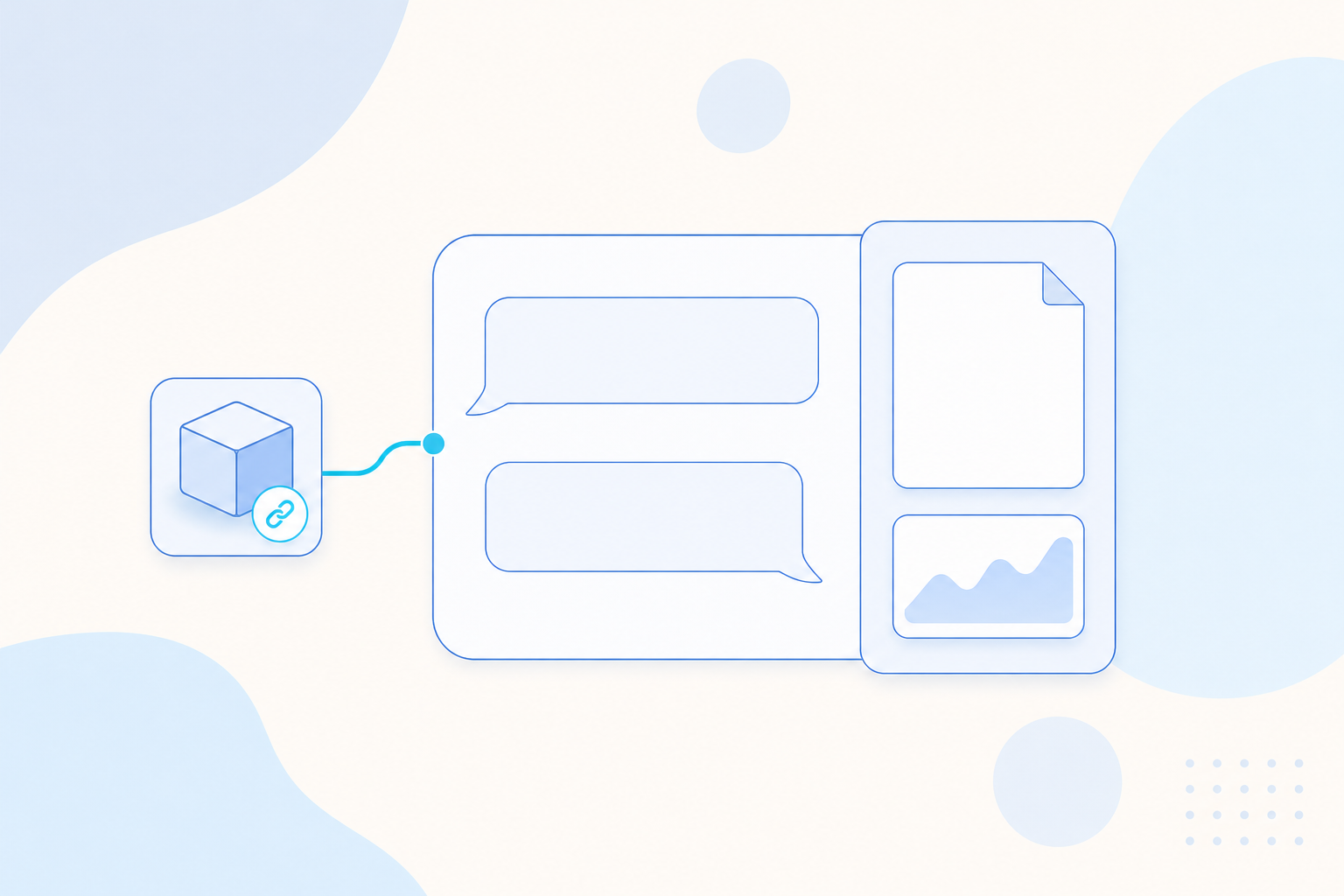
You can now preview product pages and files beside a conversation, hand part of a task to a remote Agent, and manage workspace files in bulk. Company knowledge bases gain a Collaborator role, and from the AE CLI you can test a pending knowledge base version before it goes live.
| Module | Change | Where you'll see it |
|---|---|---|
| Agent management | Page and file preview beside the conversation | Conversation panel |
| Remote Agents | Agent Library and the "+" menu in a conversation | |
| More file types previewed online | File preview | |
| Bulk file management | Workspace files | |
| Call AE Agent with A2A | AE CLI | |
| Personal analysis preferences across projects | AE CLI | |
| Governance | Collaborator role for company knowledge bases | Knowledge base members |
| Test a pending knowledge base version | AE CLI |
Agent management
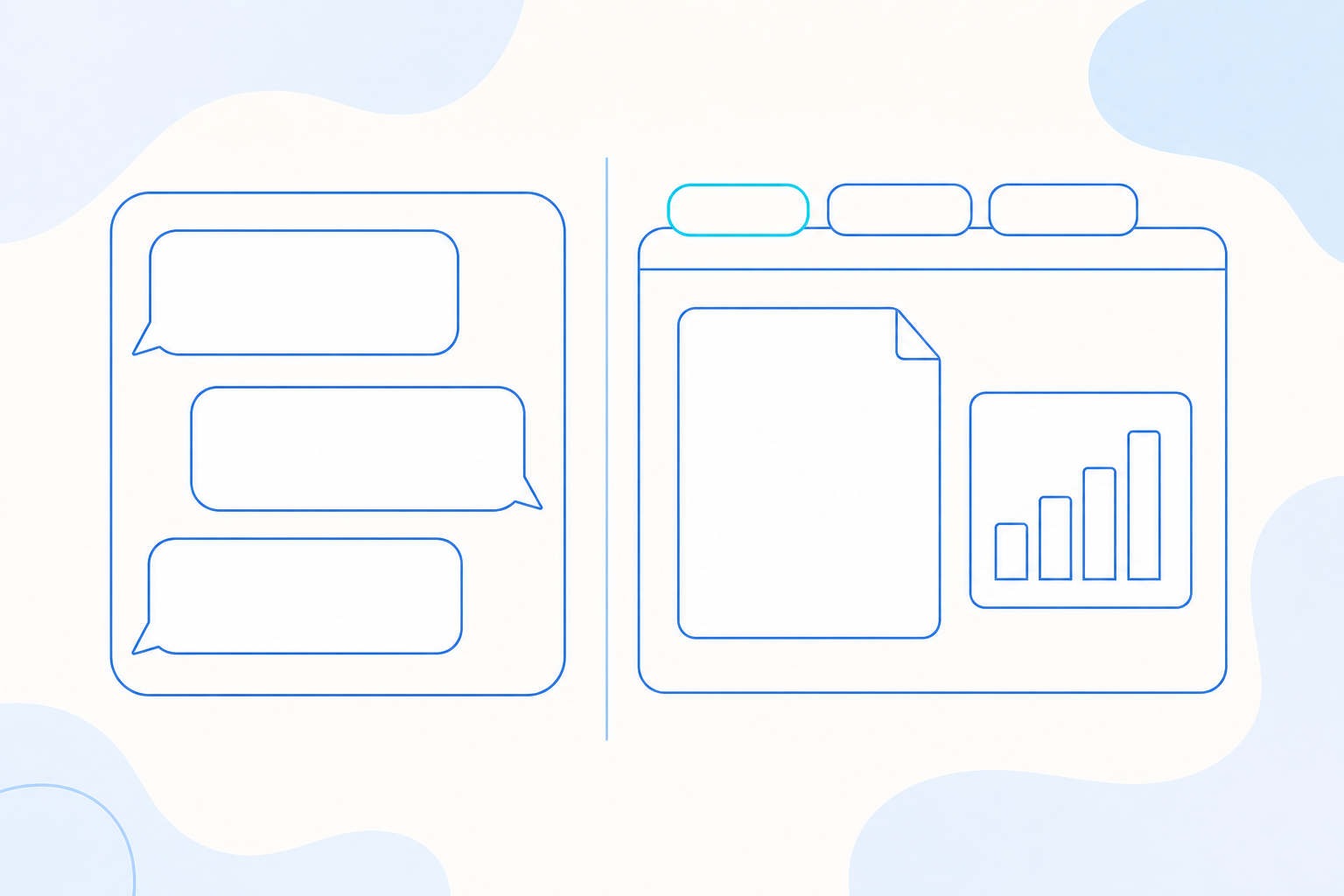
Page and file preview beside the conversation. You can open supported product pages and files in a panel next to the conversation. Preview tabs can be switched, collapsed, enlarged or closed, and product pages support back, forward and refresh. If a page has unsaved changes, you are asked to confirm before you leave it. Use it to look at a report, dashboard or file and keep asking follow-up questions in the same place.
Remote Agents. A new Remote Agents tab in the Agent Library lets you find, configure, enable and disable your personal connections to remote Agents. In a conversation, you can pick one remote Agent from the "+" menu without using a regular MCP slot. Delegating to a third party requires credentials and your explicit authorization, so you decide which outside Agent gets which part of the work.
More file types previewed online. DOC, PPT and PPTX files open as static previews, and MP4 videos play in place. Code and CSV files have read-only views, including a table view for CSV. The original files stay available to download, so you can confirm you have the right deck, video or data table first.
Bulk file management. You can select several files or folders and move them, download them as one archive, or delete them in one step. Search covers the whole workspace by name and keeps your file type filter. You can drag items to reorder them or move them into a folder, and the manual order is shared with everyone in the workspace.
Call AE Agent with A2A. The AE CLI is the command-line client for Agentic Engine. With agent a2a, which uses the A2A (Agent2Agent) protocol, you can call AE Agent, check results and list tasks with your existing CLI authorization. Where supported, you choose an authorized workspace and model. You are asked to confirm before a task is canceled or a conversation context is deleted, and coding assistants and scripts can use the same command to hand analysis to AE Agent.
Personal analysis preferences across projects. You can save reusable business definitions as global preferences. The analysis assistant reads them first, then adds the project's preferences once you pick a project. Temporary scopes and one-off results stay out of your saved preferences.
Governance
Collaborator role for company knowledge bases. Owners and administrators can now give members a Collaborator role. Collaborators can maintain sources, view guidelines and manage their own tasks. Approving changes, editing guidelines, managing members, and rolling back or exporting the whole knowledge base stay with administrators, so business teams keep content current while administrators keep control of approval.
Test a pending knowledge base version. From the AE CLI, you can pin a company knowledge base version that is waiting for approval, then search it or ask questions against it and check the citations. Compare answers from the published and pending versions before publishing, while users keep seeing the published version.
Other improvements
- Personal and shared Sandboxes now draw from a single cluster-wide quota, measured in units by profile.
- Automation notifications in Slack can include eligible result files with the final message, and streamed replies and links display more smoothly in Slack.
- Knowledge base maintainers can preview Word and Excel materials directly on the page.
- A single outputs panel shows the files and product pages from your conversation, with cards to open, download or publish them to your workspace.
- You can click anywhere on an activity row to open it, and jump from pending memories straight to the review list.
- Based on customer feedback, the Skill publishing screen shows your personal source version. It also explains that company versions start at 1.0, that an existing Skill with the same name stays as it is, and that identical content can be reused.
- When a model call fails, the error message now names the cause, such as expired authorization or a gateway misconfiguration.
- Opening an evaluation conversation now checks your current project permissions.
- In the AE CLI, Bad Case recommendations appear only when a business definition is the cause, and they say what to clarify and how to verify the fix.
- Certifying assets in the AE CLI updates only the assets you select, so unrelated changes elsewhere in the project no longer block it. This needs the latest companion service.
- Company super admins can be selected to manage a project while their existing permissions stay as they are. This needs the latest companion service.
Questions
Questions about anything in this update? Contact your ThinkingAI account team. This update covers the release notes dated November 13, 2026.
Share