
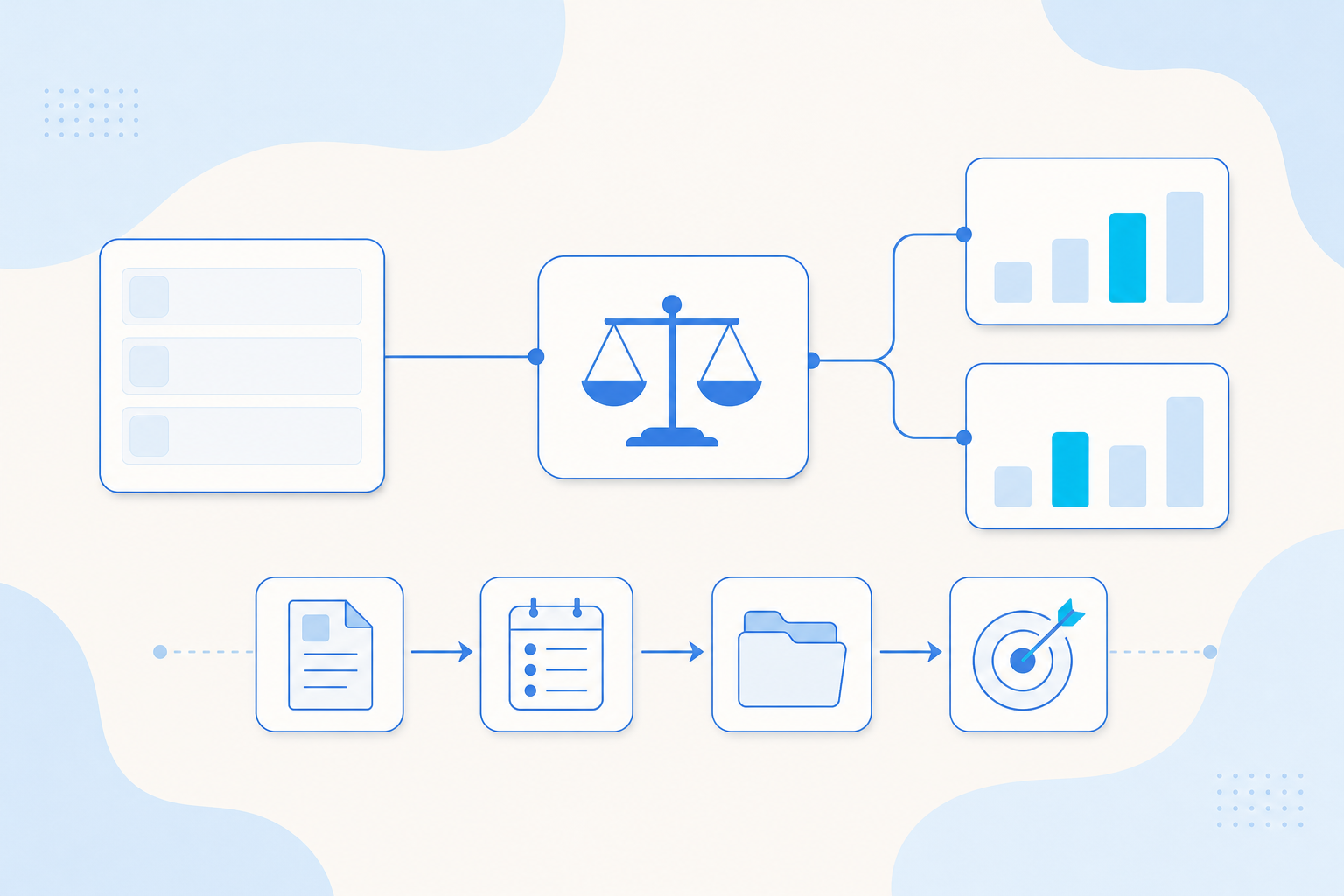
You can now hand experiment design and results interpretation to a preset A/B Experiment Expert, and take a tracking plan from requirements to data acceptance with the Tracking Assistant. In Standard and Fast conversations, the Agent can search the web, read pages and show sources. In the AE CLI, administrators can investigate Agent activity with AI Monitor, and you can review wrong or incomplete answers and approve them for your evaluation dataset. Customers asked for bulk conversation management, progress reminders and the Tracking Assistant upgrade.
| Module | Change | Where you'll see it |
|---|---|---|
| Agent management | A/B Experiment Expert preset Agent | AE Agent |
| Web search and page reading | Standard and Fast conversations | |
| Suggested follow-ups | Standard conversations | |
| Conversation progress reminders | Message center and browser tab | |
| Bulk archive, restore and delete | AE Agent conversations | |
| Bad Case review and evaluation sync | AE CLI | |
| Knowledge base status by compilation run | AE CLI | |
| Data foundation | Tracking Assistant for the full tracking plan | Tracking Assistant Agent |
| Analytics | Tag history backup and date lookup | AE CLI |
| Governance | Custom shared Sandbox resource profiles | System administration |
| AI Monitor queries | AE CLI |
Agent management
A/B Experiment Expert. You can assign experiment design and results interpretation to a new preset A/B Experiment Expert. The Agent asks for your confirmation before it writes or changes any data.
Web search and page reading. Standard and Fast modes can search the web and read pages, and answers show their sources. No additional MCP (Model Context Protocol) installation or account setup is needed.
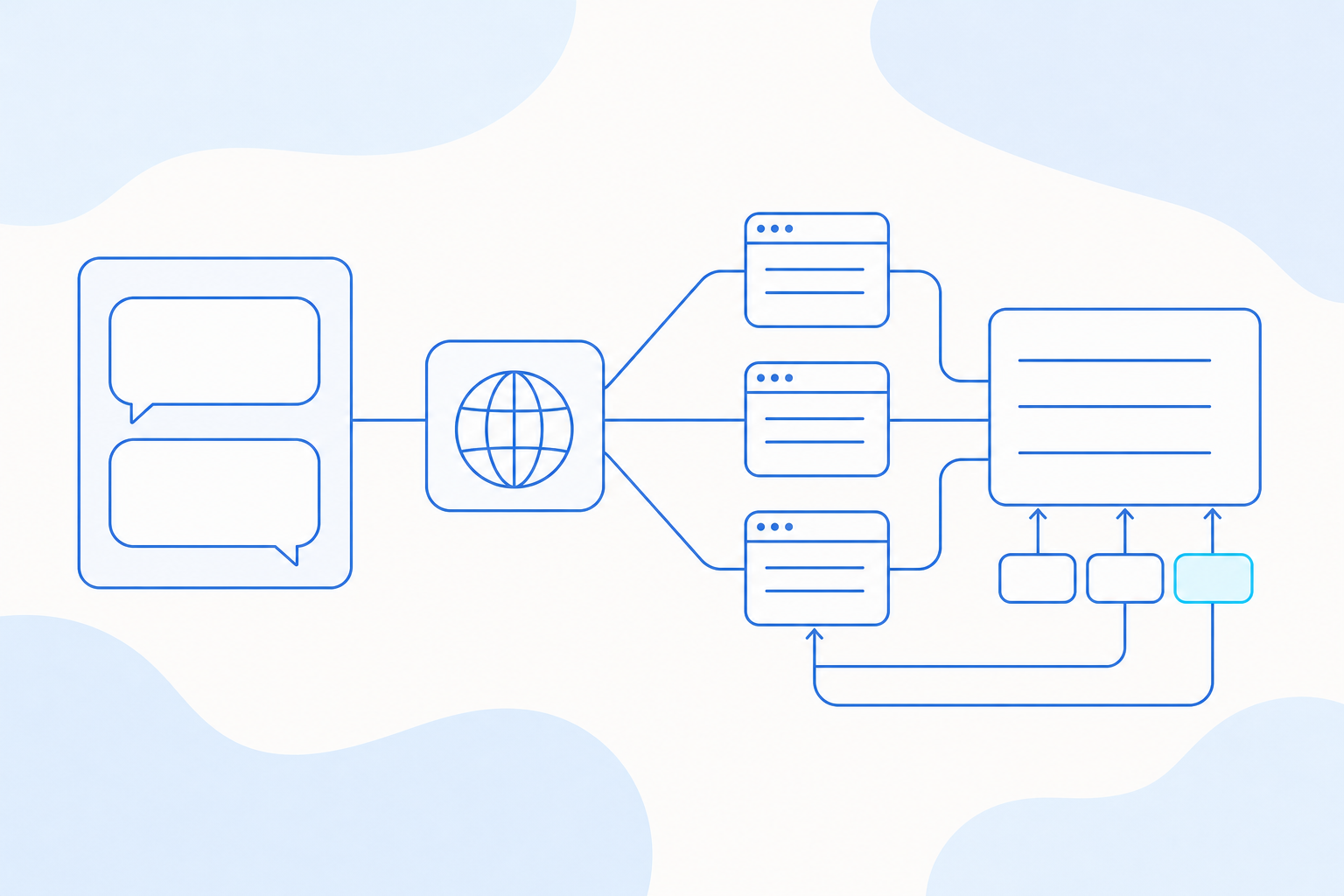
Suggested follow-ups. In Standard conversations that support native suggestions, a suggested follow-up may appear after an answer. You can accept it as a draft, edit it, and then send it yourself.
Conversation progress reminders. The message center and the browser tab show new replies and pending actions, so you can see progress after you leave a conversation.
Bulk archive, restore and delete. You can archive, restore and delete conversations in bulk.
Bad Case review and evaluation sync. The AE CLI is the command-line client for Agentic Engine. In it, you can collect answers that were wrong or incomplete, with duplicates removed automatically, and review them. After you approve a case, it is added to your evaluation dataset. If you revoke approval, the case is removed from the dataset, and you can retry a failed sync.
Knowledge base status by compilation run. kb +status --run-id <run ID> follows one specific compilation run and shows anything that needs manual action. That way you can tell an older working version from a successful new build.
Data foundation
Tracking Assistant for the full tracking plan. The Tracking Assistant Agent now covers the whole tracking plan lifecycle. It turns requirements into a plan, reviews and improves the plan, answers integration questions, and runs data acceptance checks. You review the plan first, then sync it to Tracking Management or export it as an Excel file.
Analytics
Tag history backup and date lookup. Scheduled tag refreshes can now keep history backups. In the AE CLI, --include-history-dates lists the dates you can look back to.
Governance
Custom shared Sandbox resource profiles. A Sandbox is a runtime environment for Agent work. Administrators can now set CPU, memory and concurrency limits for shared Sandboxes, so heavy team analyses get the capacity they need and quiet workspaces hold no unused resources.
AI Monitor queries in the AE CLI. Administrators can investigate Agent activity from the terminal, including traces, conversations, quality tags, runtime metrics, costs, security issues and diagnosis reports. Exports come as verifiable ZIP files, and every AI Monitor command is read-only.
Other improvements
- Importing an editable knowledge base package now starts its first full compilation automatically.
- With an empty input box, press the up or down arrow to bring back a message you already sent in the conversation, edit it and send it again. Attachments and capability selections are left out.
- Workspace resources can be collapsed by group and show how many are selected, and the dialog buttons stay in a fixed spot.
- The spinner stops as soon as an answer is complete. Each queued message shows what it is waiting for, such as resources, sign-in or an earlier run to stop, and your draft stays in place.
- Locked or deleted accounts no longer appear in member lists. You can remove members from quota rules, and model names and remaining counts display consistently.
- Skills are reusable task methods that Agents use. After a configuration refresh, regular CLI commands sync changed Skills, and when you switch environments the CLI processes only what changed.
- Permission, member, asset transfer, sign-in configuration and query cancellation commands now ask for confirmation.
- Dashboard and report lists in the CLI once again include items you have read-only access to. Add
--manageable-onlyto list only items you can manage. --dry-runon tracking plan uploads and deletes now previews the operation without writing data.- Before the Agent creates a SQL tag, it checks that the first column matches the analysis entity, and it asks you when that is unclear.
- A single network failure no longer stops the queries that follow. On its own, it is no longer taken as proof that data or a feature is missing.
- You can clear event, property and metric notes. Precheck and export output now includes the server's messages and compatibility notices.
- Exports always use fresh data. The CLI still accepts
--use-cache, which has no effect on exports, and normal queries are unchanged. - Local query waits now time out and cancel reliably. The job keeps running on the server, and you can check it with the returned task ID.
- The CLI parses decimals and scientific notation correctly, and long integer IDs keep full precision.
- When you reference knowledge bases by name, the Agent checks them first. If they lack enough evidence, it checks up to three more. Project knowledge bases now report definitions, applicability and insufficient evidence.
- When evaluation access fails, you now see the specific cause, such as a missing entry point, denied permission, required sign-in or a temporarily unavailable service.
- When you assign a recurring task, it is created as a real AE platform schedule and confirmed against the saved configuration.
Before you update your scripts
You may need to update scripts for these five CLI changes.
- Unattended scripts that change permissions, members, asset transfers or sign-in settings, or cancel queries, now need the global
--yesflag once authorized. - Dashboard and report lists include read-only items again. Add
--manageable-onlybefore bulk management actions. - Disabling a business removes its CLI-managed Skills, including edited or older copies, and keeps Skills of unknown origin. Back up any customized Skills first, and start a new Agent conversation after syncing.
- Use
--dry-runfor tracking plan previews, and replace--validatein any preview scripts. - Ending a local wait leaves the job running on the server. Use the returned task ID to check its status.
Questions
Questions about anything in this update? Contact your account team. This update covers the release notes for the week of November 2 to 6, 2026.
Share